Last updated: October 20, 2026 · Written and reviewed by the Jai Club Editorial Team
Jai Club Game History: Why It Matters
Your Jai Club game history and transaction records are the quickest way to check what happened on your account. They help you confirm a deposit, follow a withdrawal, spot a mistake and keep track of how much you spend. This guide shows where each record is on the screens we checked in October 2026.
Labels can change after updates, so use this as a map and follow what your own screen shows. If you cannot sign in, start with our Jai Club login guide.
Where to Find Your Jai Club Game History and Records
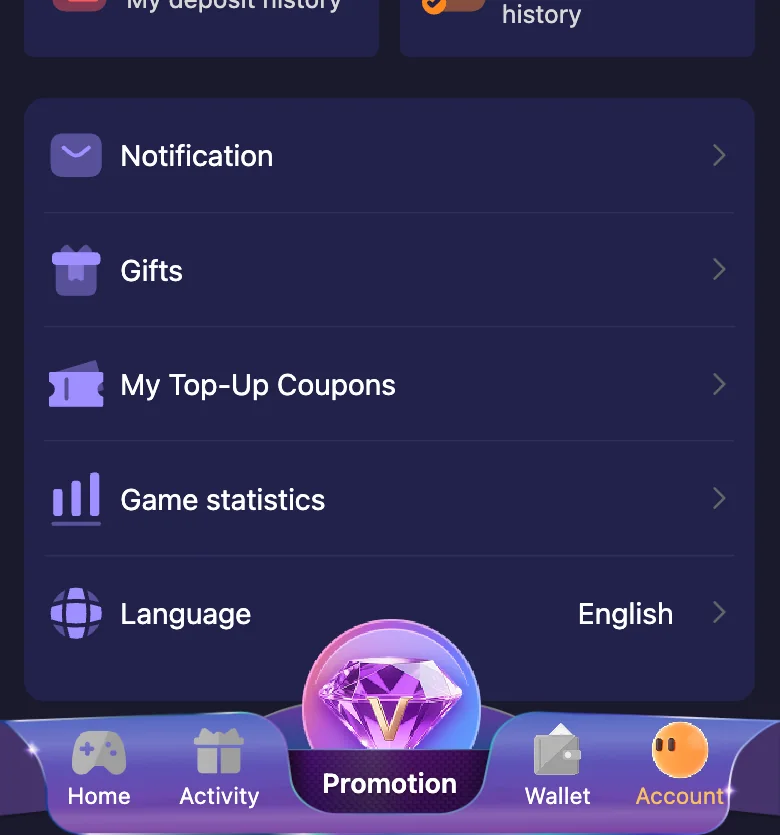
On the Account tab we saw four history tiles. Each one opens a different record:
- Game History (My game history): your record of the games you played.
- Transaction (My transaction history): your wallet transactions.
- Deposit (My deposit history): your deposits.
- Withdraw (My withdraw history): your withdrawals.
The Account menu below these tiles also includes Game statistics, so you can review your activity in summary form.
Jai Club Game History from the Wallet Screen
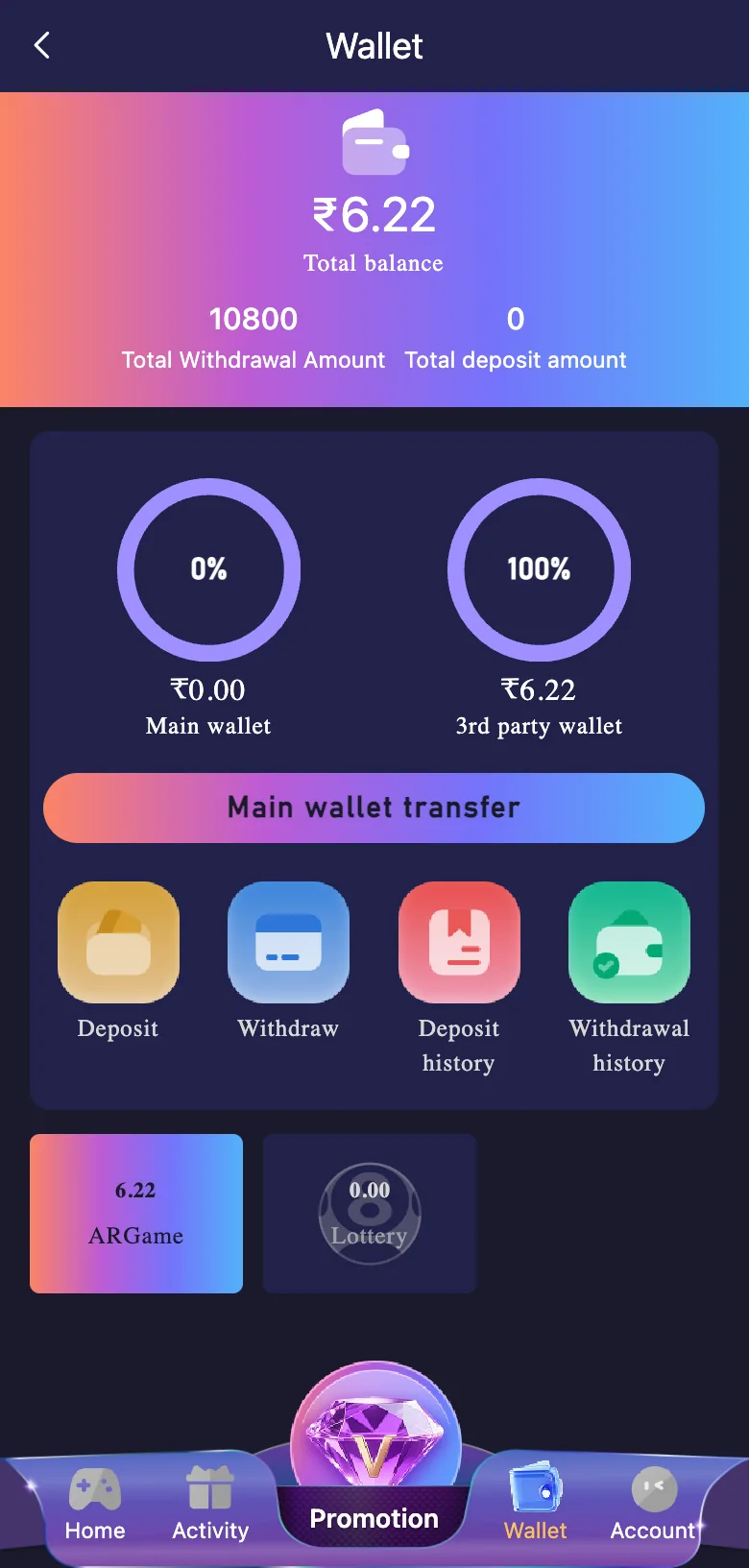
The Wallet screen shows your total balance, your main wallet and your 3rd party wallet. Under the wallet transfer button are four shortcuts: Deposit, Withdraw, Deposit history and Withdrawal history. This is the fastest place to check whether a payment was recorded.
Wingo Game History: Game History, Chart and My History
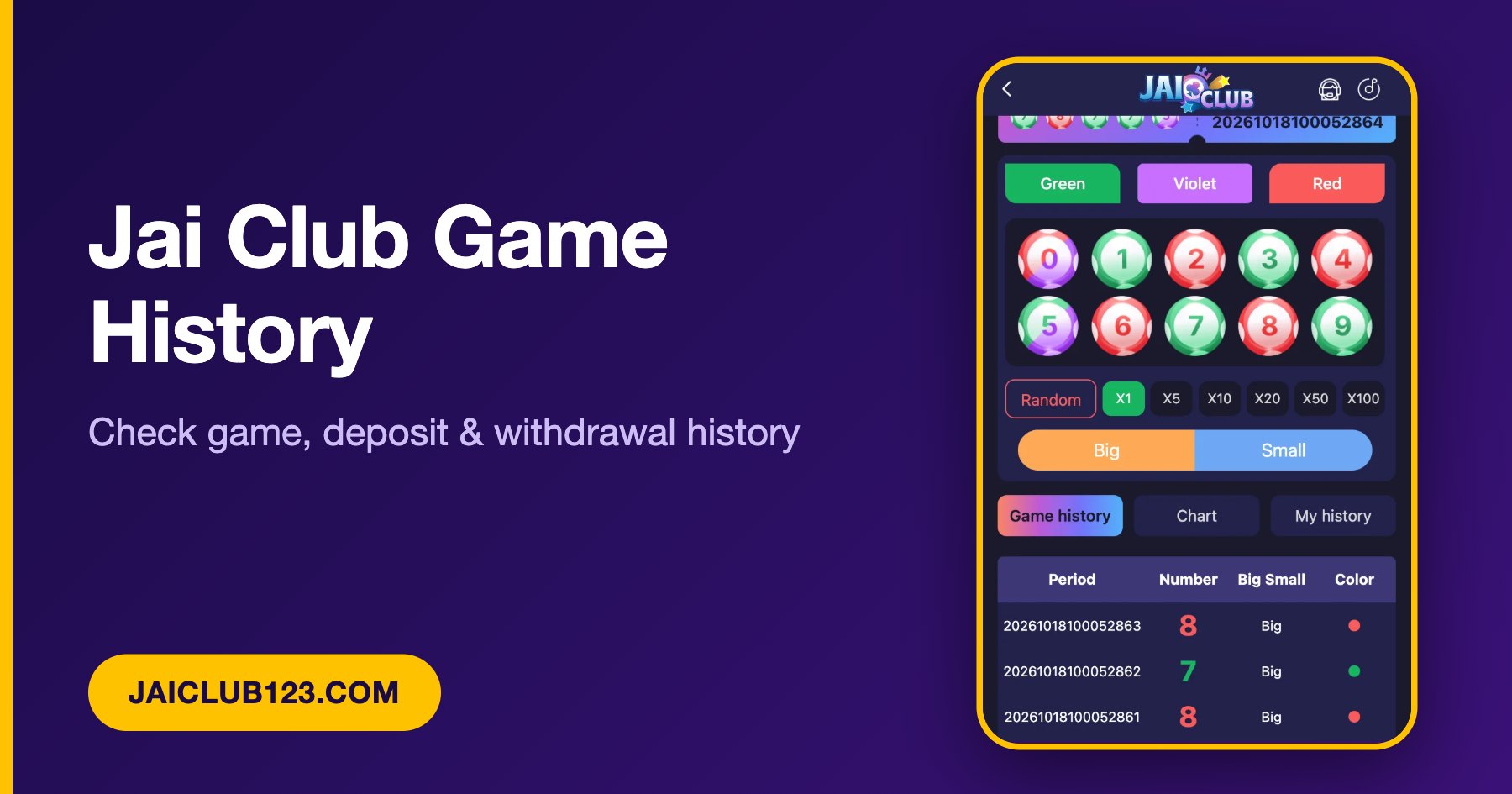
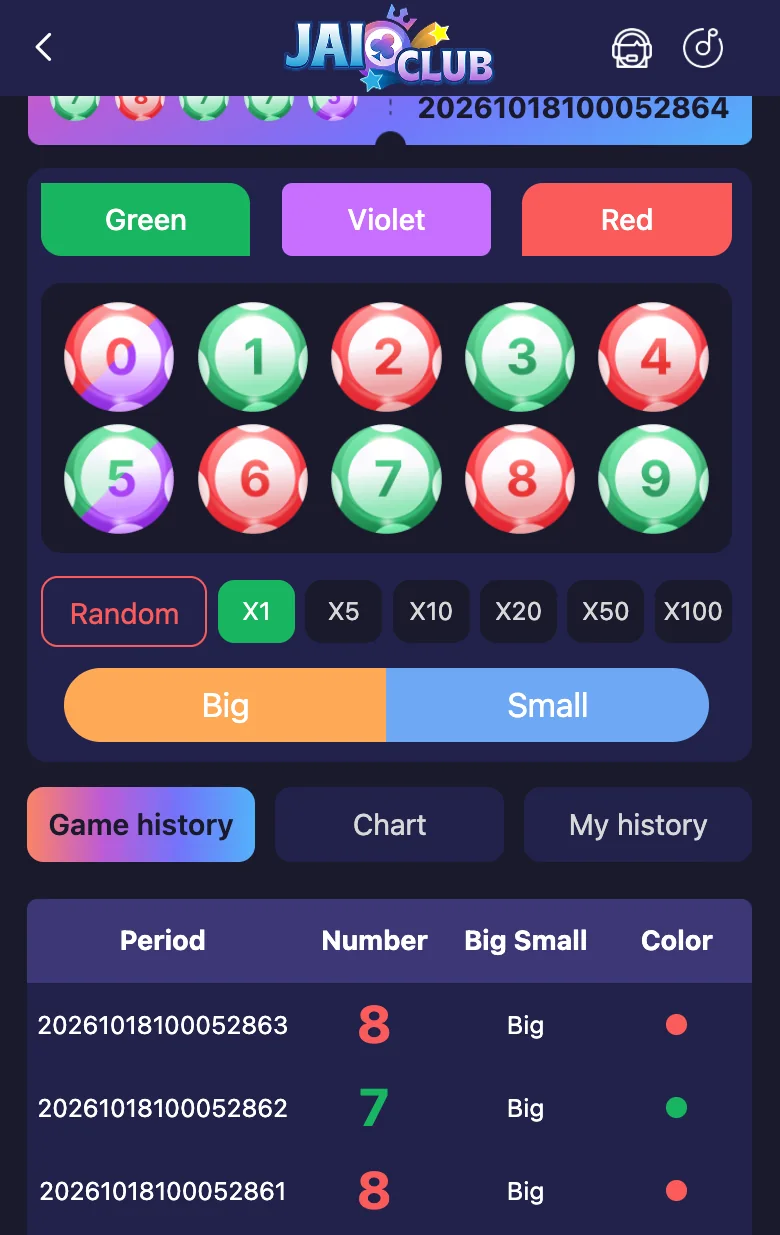
Inside Wingo, below the betting area, there are three tabs: Game history, Chart and My history. The Game history table lists recent rounds with the Period number, the result Number, Big or Small and the Color. Use My history for your own entries, and treat past results as information only. Earlier rounds do not change the next one.
How to Use Your Jai Club Game History to Solve Problems
- Open Deposit history or Withdrawal history from the Wallet screen and note the amount, date and status.
- Save your bank or UPI reference and a screenshot of the record.
- Check both the main wallet and the 3rd party wallet balances.
- If a deposit is missing, follow our deposit not received checklist. For a delayed payout, use withdrawal not received.
- Send support only what they ask for, through the in-app Customer Service. Our customer care guide explains how.
Using Your Jai Club Game History to Play Responsibly
Reviewing your Jai Club game history is also a healthy habit. Look at how often and how long you play, and how much you deposit compared with what you withdraw. Set a weekly limit you can afford to lose, and stop if you are chasing losses. Our responsible gaming page lists free help.
Frequently Asked Questions
Where can I see my Jai Club game history?
Open the Account tab and look for the Game History tile, which is labelled My game history. Inside a game such as Wingo you can also use the Game history and My history tabs.
Where is my Jai Club transaction history?
The Account tab has a Transaction tile (My transaction history), and the Wallet screen has Deposit history and Withdrawal history buttons.
Can I use my history to solve a missing deposit or payout?
Yes. Your deposit and withdrawal history, plus your bank or UPI reference, are the first proof support will ask for. See our deposit not received and withdrawal not received guides.
What is the Game history tab in Wingo?
It lists recent rounds with the Period number, the result Number, Big or Small and the Color. It is a public results list, so use My history for your own entries.
Can the history help me play responsibly?
Yes. Reviewing your records shows how much time and money you are spending, which helps you set and keep limits.
Next Steps
Now that you know where your records are, check your latest deposit and withdrawal history, then read how Jai Club withdrawals work. If your password is the problem, see Jai Club forgot password.
Play within limits and never treat gaming as income. For free support, visit BeGambleAware.org and read our responsible gaming page. This website is independent and does not operate Jai Club. You must be 18 or over.